Claude Code Video Editing: 10 Best Skills and Tools to Try
A carousel listing ten repos for Claude video editing is doing the rounds. I opened every one: what each really does, how to start, and what the post got wrong.

An Instagram carousel, “10 GitHub Repos That Turn Your Claude Into a Video Editor”, is everywhere this week.
I opened every repo on it on November 5, 2026, read each README and checked each license.
The short version: the list is mostly real and mostly useful. Two slides show the wrong thing, one tool isn’t open source, and two have nothing to do with Claude.
So which ones are worth your afternoon? Here they are in the order you’d use them for Claude Code video editing: plumbing first, then editors, then motion.
The 10 tools at a glance
| # | Tool | What it does | License | Runs on |
|---|---|---|---|---|
| 1 | ffmpeg-skill | Cuts, captions, reframes and exports | MIT | Any OS with FFmpeg and Python |
| 2 | Whisper | Speech to text, for captions | MIT | Any OS, faster with a GPU |
| 3 | yt-dlp | Downloads video from YouTube and other sites | Unlicense | Any OS |
| 4 | ghost-editor | Raw talking-head take in, reel out | MIT | Apple silicon Mac |
| 5 | claude-shorts | Long video in, vertical clips out | MIT | Mac, Linux, Windows via WSL |
| 6 | HyperFrames | Turns HTML and CSS into MP4 | Apache 2.0 | Mac, Windows, Linux |
| 7 | Motion Skills | 56 skills for motion graphics | MIT | Wherever your agent runs |
| 8 | MotionClone | Rebuilds a reference animation you can edit | None stated | Windows |
| 9 | Three.js Skills | Up-to-date three.js know-how for 3D | MIT | Wherever your agent runs |
| 10 | Awesome Claude Video Skills | A graded list of 400+ more | CC0 (the list) | A web page |
Before you install anything
Most of these are Claude Code skills: a folder with a SKILL.md file that teaches the agent one job.
Claude Code loads a skill when your request matches it. You’ll need Claude Code on a Claude plan, a terminal, and usually FFmpeg, Python and Node.js.
Install one at a time. A 20-second phone video is enough to see if a tool fits how you work.
And be patient. Ghost-editor’s README puts a 60-second reel at 15 to 25 minutes of machine time on an M3 MacBook Air.
1. ffmpeg-skill: the cutting room
FFmpeg is the free program behind most video software. This skill gives Claude 42 FFmpeg tools and a fixed routine: measure the file, edit, then check its own output.
That last step is why it’s first. An agent that “knows FFmpeg” still guesses frame rates; this one reads them from the file.
Use it for trims, silence removal, captions and 9:16 crops. It also runs in Cursor and Codex.
Start with npx ffmpeg-skill. It needs ffmpeg and python3, and no cloud account or API key, so your footage stays on your machine.
Check it: ask Claude to cut the first 3 seconds off a test clip and crop it to 9:16. Then play the result.
2. Whisper: the transcript under every caption
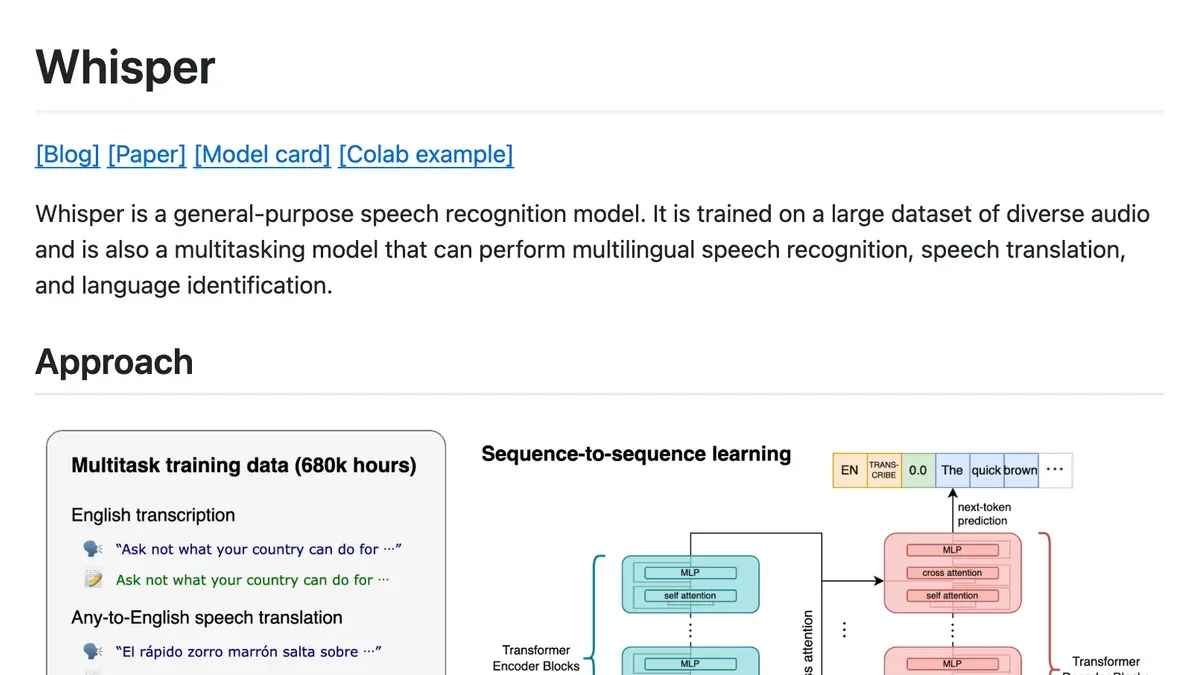
Whisper is OpenAI’s open speech recognition model, with about 112,000 GitHub stars. Most of the editors below cut by its transcript.
You rarely install it by hand, because ghost-editor and claude-shorts set it up for you.
pip install -U openai-whisper, plus FFmpeg. The default turbo model needs about 6 GB of video memory; tiny needs about 1 GB.
One catch the slides skip: turbo doesn’t translate. For non-English speech into English, use medium or large, the README says.
Check it: run
whisper test.mp4 --model turboand read the .srt file it writes. Names and brand words are where it slips.
3. yt-dlp: downloads, with a legal catch
yt-dlp downloads video from YouTube and thousands of other sites, and has about 205,000 stars. Agents call it to fetch a video before editing it.
Use it on your own uploads and on recordings you have the rights to.
YouTube’s terms forbid downloading other people’s content without permission.
So “grab a creator’s video and re-edit it” is the part I’d leave out, whatever the carousel suggests.
Check it: download one of your own videos with
yt-dlp <url>and make sure the file plays.
4. ghost-editor: talking-head takes into reels
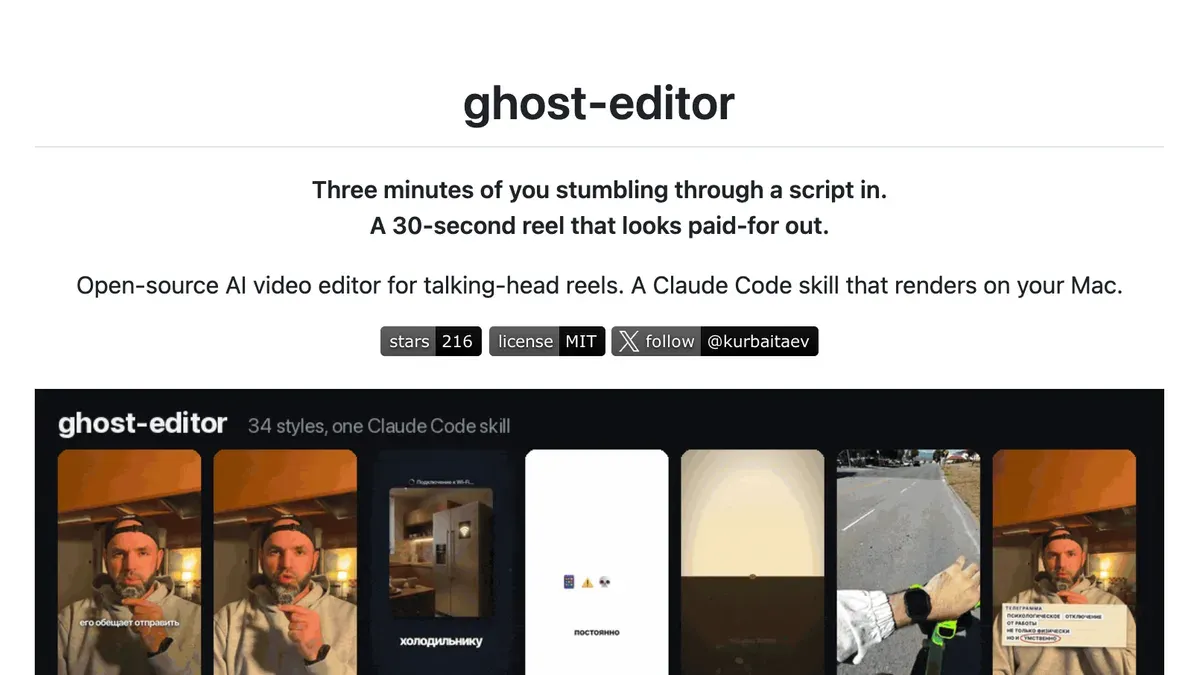
Do you film yourself talking? Try this one first.
You hand it a messy phone take full of retakes. It keeps the best try of each line, cuts the rest, then adds captions, B-roll and motion graphics in one of 19 named styles.
Its maker, kurbaitaev, says the last batch was 21 reels in 3 hours 40 minutes on one Mac mini. That’s their number, not mine.
To install, ask Claude Code to clone it into ~/.claude/skills/ghost-editor and follow its install doc. Plan for about 4 GB of disk.
The catches: Apple silicon Macs only, and the optional B-roll check sends frames to Google’s Gemini. The demos are in Russian, and the demo clips aren’t for reuse.
Check it: record a 30-second take with two deliberate retakes and see whether it keeps the right ones.
5. claude-shorts: long videos into vertical clips
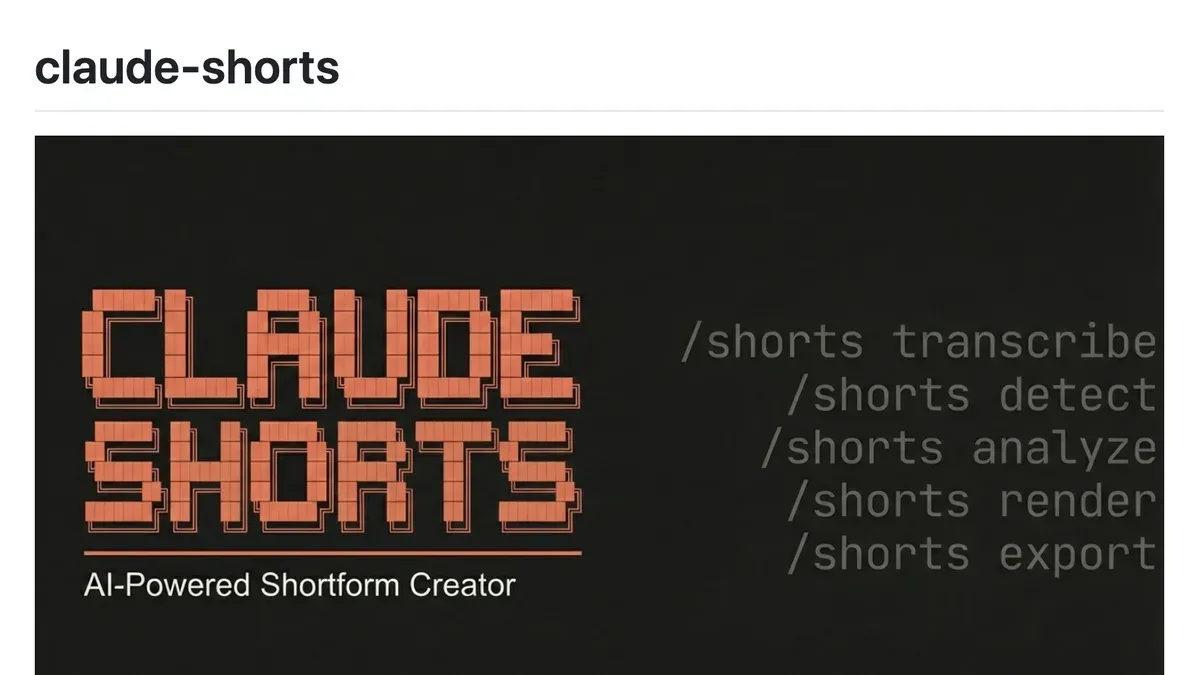
Podcasters and webinar hosts, this one’s yours.
It transcribes a long video, then Claude scores 8 to 12 candidate segments on hook, coherence, emotion, value and payoff. You pick the ones to render.
It snaps each cut to a sentence end or a silence, reframes to 1080x1920 and adds animated captions. Shorts, TikTok and Reels each get their own export.
Clone the repo, run bash setup.sh and bash install.sh, then type /shorts in Claude Code with your file.
An NVIDIA GPU is recommended, and Windows needs WSL 2. It renders with Remotion, free for individuals and companies of up to three people; bigger ones need a company license.
Check it: run it on a 10-minute recording. Is its top-scored clip the moment you’d have picked?
6. HyperFrames: videos written as web pages
HeyGen’s open-source framework turns HTML, CSS and animation into MP4, the same way every time. Claude writes web pages well, so this plays to its strengths.
Think explainers, ads and product demos. It has about 79,000 GitHub stars, and MotionClone, further down, builds on it.
In Claude Code, run claude plugin marketplace add heygen-com/hyperframes, then claude plugin install hyperframes@hyperframes. It needs Node.js 22 or newer.
The trade-off is speed. In the Agent Skills Hub test of 16 video skills, HyperFrames took 23.5 minutes on a 15-second brief.
Check it: ask for a 10-second intro with your logo and one line of text, and time the render.
7. Motion Skills: motion graphics recipes
The carousel’s slide for this shows the homepage of iart.ai, a commercial motion graphics app. The open-source part is the iart-ai/motion-skills repo: 56 skills in 19 packs, MIT licensed.
Each pack covers one job, from TikTok videos to data charts and maps. Install only the one you need, like npx skills add iart-ai/data-animation-skills.
Good for marketers who want charts that move.
It renders through Remotion or Manim, so the Remotion license note above applies.
Check it: give it a five-row CSV and ask for a 10-second animated bar chart. Then check every number on screen against the file.
8. MotionClone: rebuild an animation you like
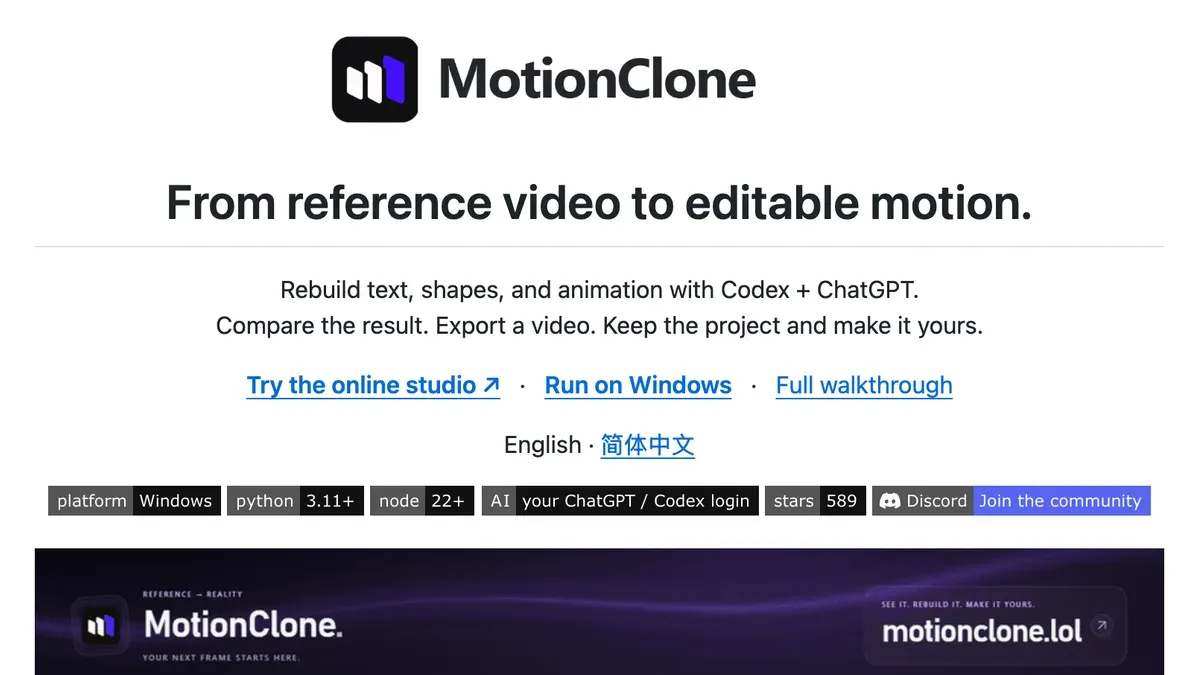
Give it a motion graphics clip you admire and it rebuilds it as an editable HyperFrames project. You change the text, colors and timing, then export an MP4.
The slide leaves two things out. It runs on Codex with your ChatGPT login, and the local app is Windows only. There’s an early-access online studio too.
The repo also has no open-source license file. You can run the app, but you have no clear right to reuse its code.
Its README is honest about limits: small text, odd fonts and 3D need more work.
Check it: rebuild a 5-second clip and change one line of text before you trust it with anything longer.
9. Three.js Skills: 3D that doesn’t break
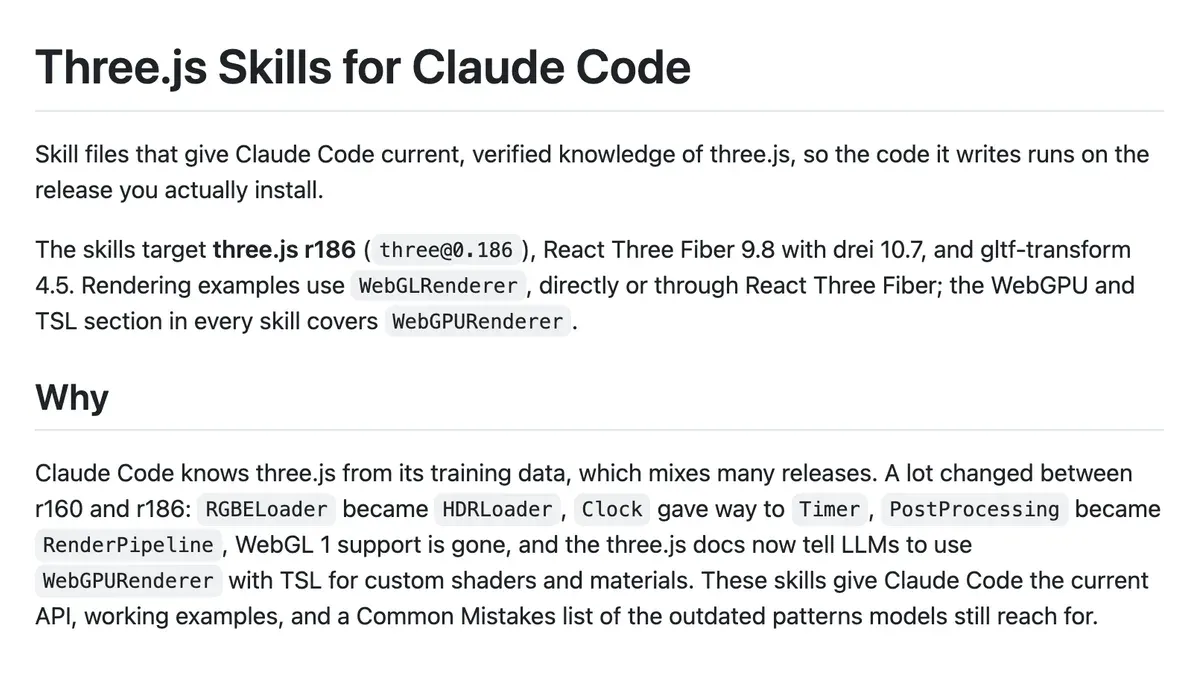
Three.js is the library behind most 3D on the web. Claude learned it from years of mixed versions, so it reaches for code that no longer runs.
These 13 skills pin it to three.js r186, with a list of the old patterns to avoid.
It’s for 3D scenes, product spins and animated backgrounds that you then render or record. Install with npx skills add cloudai-x/threejs-skills.
Check it: ask for a rotating 3D version of your logo and open it in a browser. Errors in the console mean the skill isn’t loaded.
10. Awesome Claude Video Skills: the long list
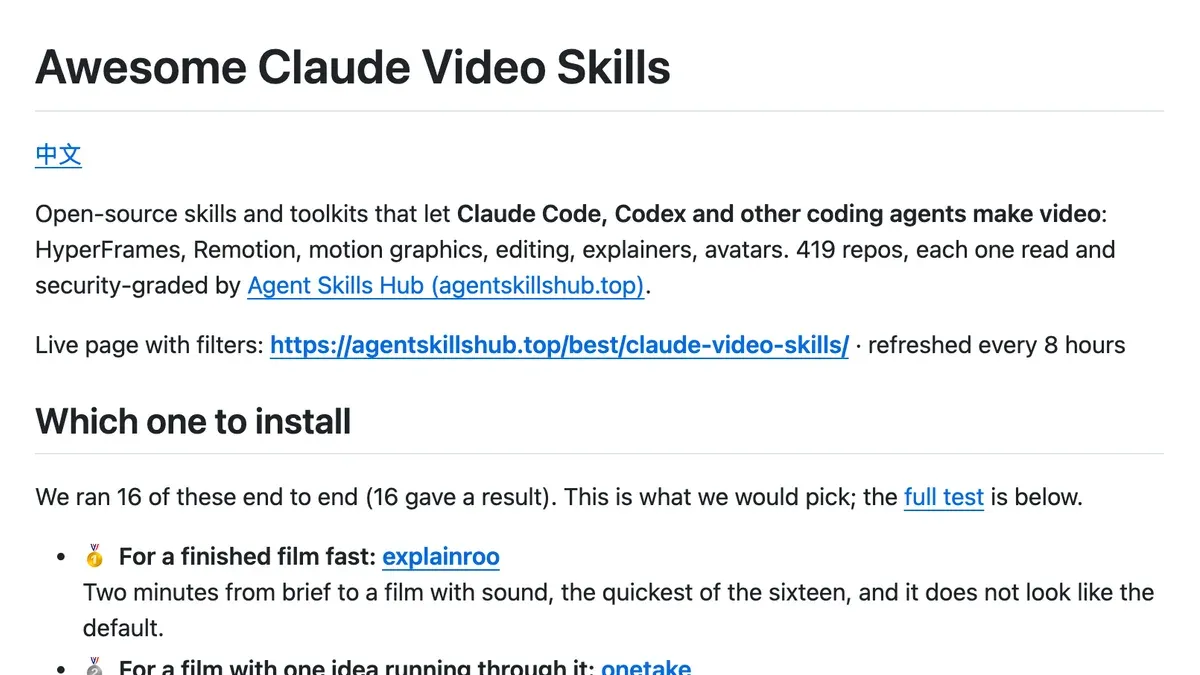
The carousel says 180 repos. The README now says 419, each read and security-graded by Agent Skills Hub, refreshed every 8 hours.
The best part is their test. They ran 16 video skills on one brief, and Claude Code with no skill at all made a promo that passed every check in 4.4 minutes.
Their pick for a fast finished film was explainroo.
That no-skill result is my favourite line on the list. It tells you when to skip all ten.
Check it: before you install anything from the list, read its security grade, its license and the date of its last commit.
What the carousel got wrong
- MotionClone runs on Codex with a ChatGPT login, and it has no open-source license.
- The “Motion Skills” slide shows a commercial app. The MIT part is the iart-ai/motion-skills repo.
- The awesome list has grown to 419 repos.
- yt-dlp and Whisper are general programs that the agents call.
- yt-dlp carries no warning on the slide. YouTube’s terms are the warning.
Why it matters
Video is where a lot of site owners stall. A post takes an afternoon; a reel and three Shorts from it used to take an editor and a week.
These tools move most of that onto your own machine.
I’d start with ffmpeg-skill and one editor that matches what you film. Ghost-editor if you talk to camera, claude-shorts if you record long sessions.
Then measure. Do the clips bring readers back to the site or onto your list? If they do, add HyperFrames or Motion Skills.
Our guide on how to make money blogging shows where video fits in the plan.
My guess is half of these repos won’t be maintained a year from now. That’s fine: skills are plain text files, so you can read what each tells Claude before it touches your footage.
Common Questions
Can Claude Code edit videos on its own, without any of these GitHub repos?
Partly. Claude Code can write and run FFmpeg commands itself, and the Agent Skills Hub test found it made a passable 15-second promo with no skill in 4.4 minutes. Skills add a tested routine, styles and self-checks.
Which Claude video editing tool should a creator who films talking-head reels on an iPhone install first?
Ghost-editor, on an Apple silicon Mac. It picks the best take of each line from a raw phone recording and adds captions and B-roll. On Windows or Linux, ffmpeg-skill is the better first install.
Is it legal to use yt-dlp with Claude Code to download and re-edit other people’s YouTube videos?
Usually not. YouTube’s Terms of Service forbid downloading content without permission from YouTube and the rights holders. Use yt-dlp on your own uploads or on videos you’ve been given written permission to use.


