Google Lets Restaurants Control Ordering Links in Business Profiles
Restaurants can now switch off individual ordering providers from their Google dashboard.

Google now lets restaurants choose which third-party ordering providers appear on their Business Profiles in Search and Maps, switching each off for pickup, delivery, or both.
What changed in the dashboard
Google’s Lisa Landsman announced the setting on LinkedIn, according to Search Engine Journal’s report on the new controls.
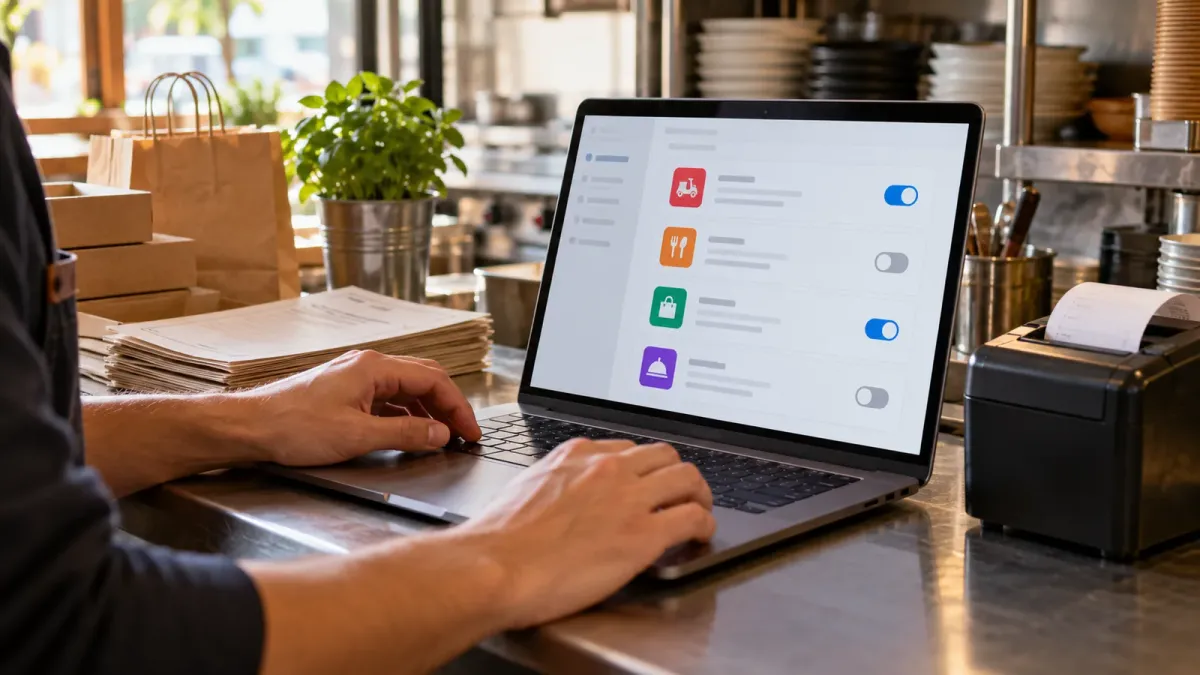
The “Manage provider” panel has separate switches for pickup and delivery, so if you need to remove one service from a profile, you can leave the others visible to customers.
Until now, a removal request sent through a Business Profile had to be processed by the provider. Google’s ordering guidance gave providers five business days to remove a link.
So now you can do it yourself, which may help when a provider no longer fits your operations or margins.
But check the ordering route first.
Check what customers can order
Search Engine Roundtable’s report on the restaurant controls gives examples:
- Uber Eats
- DoorDash
- Instacart
- Grubhub
Are your links right? Check every profile you manage.
Open each Food ordering section and confirm these match what the restaurant offers now:
- the provider
- the menu
- the ordering route
Google’s current policy says partner integrations are enabled by default, according to Search Engine Journal, so an audit can help even if nobody has asked you to remove a link.
Though it came in a reply to the announcement, a Google product manager said the control is available in all countries, so restaurants outside the U.S. can use it too.
Why it matters
A wrong ordering link can send your customers to a menu or service the restaurant no longer wants to promote.
Still, removing every third-party option may not help you, because some diners have subscriptions or payment details saved in the delivery apps they already use.
Google’s own announcement argued for keeping providers that suit your restaurant.
I’d review the links with the owner or manager before switching anything off.
Which services does your kitchen support? Check pickup and delivery separately, then make your preferred ordering route easy for customers to find on every profile.
Several locations? Then check each profile you run.
The sources don’t say whether the controls work in bulk or through the Business Profile API.
Common Questions
Can restaurants remove Uber Eats or DoorDash links from Google Business Profiles?
Yes. Restaurants can switch off individual ordering providers in the Business Profile dashboard, for pickup, delivery, or both.
Can I control pickup and delivery separately in Google Business Profile?
Yes. Google’s provider panel has separate switches for pickup and delivery, so check both for each ordering service you manage.
Is Google’s ordering provider control available outside the United States?
A Google product manager said it’s available in all countries, according to Search Engine Journal, though the announcement did not specify whether the controls support bulk changes or the Business Profile API.


